Download CdrLabel – CD cover design, file list generator, customizable CD labels, print-ready templates, personalized media labels
Overview
CdrLabel is a specialized utility designed to simplify the process of creating and managing personalized CD covers. Targeted primarily at users who maintain physical media collections, the app offers a straightforward solution for designing visually appealing covers and generating accurate file listings. It addresses common challenges such as inconsistent labeling, missing metadata, and the time-consuming nature of manual cover creation. By providing pre-designed templates and automated file indexing, CdrLabel streamlines the workflow for organizing and presenting CD content professionally.
The app is particularly beneficial for music enthusiasts, educators, archivists, and small content creators who frequently produce or manage CD-based media. Its ability to generate a complete list of files on a disc in seconds enhances accuracy and reduces errors during labeling. Although the developer did not provide additional technical details, CdrLabel has maintained relevance since its release in 2004, indicating a stable and functional core design. In the broader software ecosystem, it serves as a niche yet effective tool for digital media preservation and presentation.
While the app operates on Windows, its lightweight nature—only 2.7 MB in size—suggests efficient resource usage. The free pricing model further enhances accessibility, making it an attractive option for users seeking no-cost solutions for CD labeling. Despite its age, the application continues to fulfill a specific need in an era where physical media still hold value for certain audiences.
Key Features & Functionality
- Custom Cover Design: Users can create and edit personalized CD covers using built-in tools. The interface supports the integration of custom images, allowing for unique visual expression tailored to individual preferences.
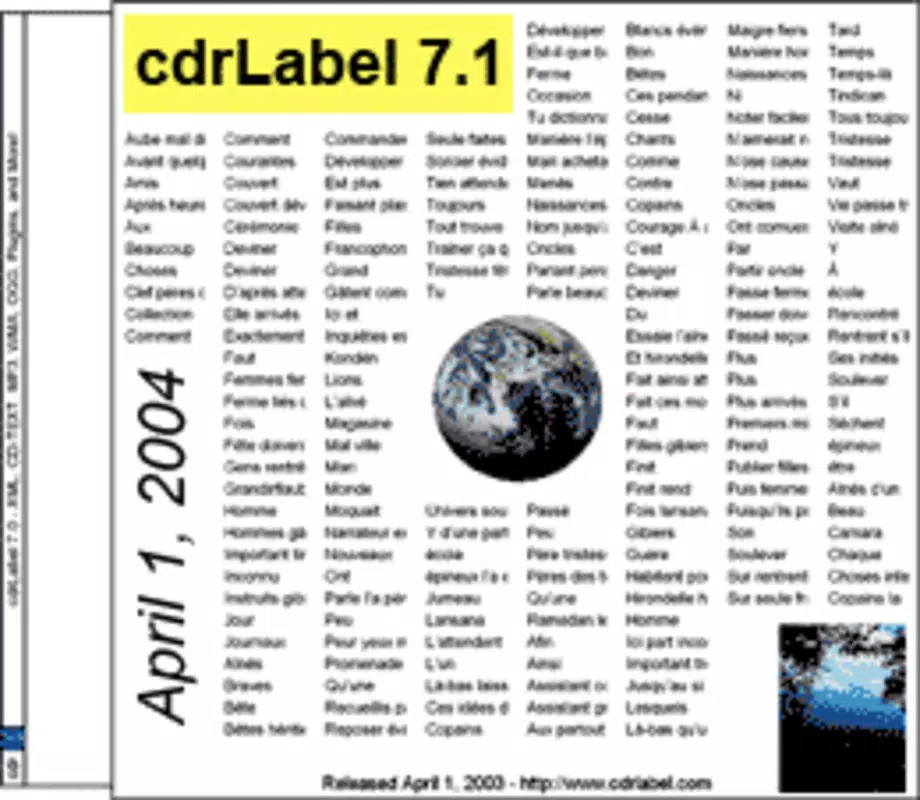
- Variety of Templates: A range of templates is available for different CD case types, enabling users to select formats that match their physical media. This ensures consistency and professional appearance across all labeled discs.
- Quick File Listing: CdrLabel automatically scans and generates a comprehensive list of files stored on a CD, completing the task in seconds. This feature is especially useful for organizing large collections or verifying content before duplication.
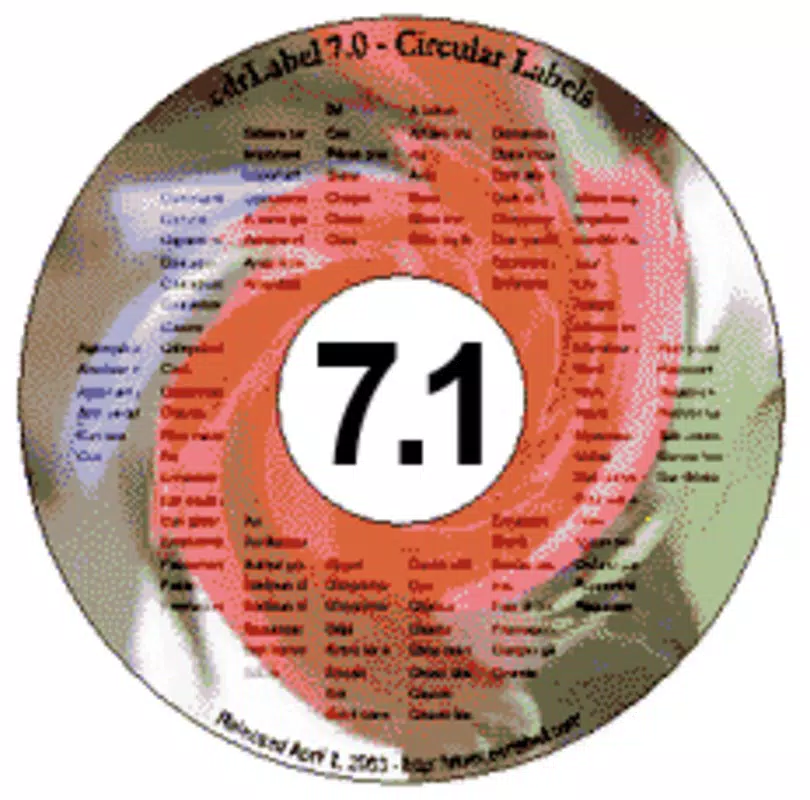
- Flexible Label Options: The app supports printing content directly onto covers or circular labels. Users can sort files by name, size, or order, improving readability and identification.
- User-Friendly Interface: Designed with accessibility in mind, the interface allows both beginners and experienced users to navigate features intuitively, minimizing the learning curve.
For example, a music archivist might use CdrLabel to create a labeled CD for a historical audio collection, inserting scanned album art and generating a file list for documentation. Similarly, a teacher could use it to produce labeled educational CDs for classroom distribution, ensuring clarity and visual appeal.
Interface, UX & Performance
The user interface of CdrLabel reflects a classic Windows application design, prioritizing functionality over modern aesthetics. Layout elements are organized in a logical manner, with toolbars and menus positioned for efficient access. Navigation is straightforward, relying on standard file operations and visual previews to guide users through the design process.
Although the developer did not list formal performance metrics, the app’s minimal file size of 2.7 MB suggests low system resource consumption. It is expected to run smoothly on a wide range of Windows systems, including older hardware. Responsiveness appears to be consistent, particularly during file scanning and template rendering, which are core functions.
Stability is a key consideration for any long-standing application. Given its release date in 2004 and continued availability, CdrLabel demonstrates resilience and reliability. However, compatibility with modern Windows versions may depend on system settings or emulation. The developer did not provide specific requirements, so users should exercise caution when installing on newer platforms.
Platform Compatibility & Technical Requirements
CdrLabel is designed for the Windows operating system, with no information provided about specific OS versions or hardware requirements. The app’s file size is 2.7 MB, indicating a lightweight footprint that should not strain system resources.
Compatibility information was not fully disclosed. The developer did not specify minimum OS requirements or processor architecture. Users are advised to test the application in a safe environment if installing on modern Windows systems. While the app is free to download, it is important to verify the source to ensure the file remains unaltered and secure.
Pros and Cons
Pros
- Free to use with no hidden costs
- Lightweight design (2.7 MB) ensures fast loading and low resource use
- Generates file lists on CDs in seconds
- Offers customizable templates for various CD case types
- Supports integration of personal images for unique designs
Cons
- Platform limited to Windows only
- Developer did not provide OS compatibility details
- Outdated interface may not appeal to modern users
- No mobile or cross-platform availability
- Release date from 2004 suggests limited support for current systems
FAQ
Is CdrLabel safe to download and install?
Yes, the app is free and widely used. However, since it is an older application, users should download it from trusted sources to avoid potential security risks.
Can I use CdrLabel on modern Windows systems?
While the app was released in 2004, it may run on newer Windows versions. Compatibility is not guaranteed and depends on system configuration. Testing in a safe environment is recommended.
Does CdrLabel support Mac or Linux?
No information was provided about Mac or Linux compatibility. The app is designed for Windows only.
How do I generate a file list for my CD?
Simply insert the CD into your drive, launch CdrLabel, and use the built-in file scanning function. The app will display a complete list of files within seconds.
Can I print directly from CdrLabel?
Yes, the app supports printing content onto covers or circular labels. Users can customize layout and sorting options before printing.
Final Thoughts + CTA
CdrLabel remains a niche but effective tool for users who value physical media organization and presentation. Its core strengths—rapid file listing, customizable templates, and image integration—make it a reliable choice for creating professional-looking CD covers. While its interface and age may not appeal to all, its simplicity and zero cost offer real value for specific use cases.
For educators, archivists, and music collectors, CdrLabel provides a practical solution that bridges digital content with tangible media. Despite its limitations in modern compatibility and platform availability, it continues to serve a dedicated audience with precision and ease.
Download CdrLabel now